SDK resources.
Get the Flutter package, native Android and iOS libraries, integration guides and examples from our GitHub repository.

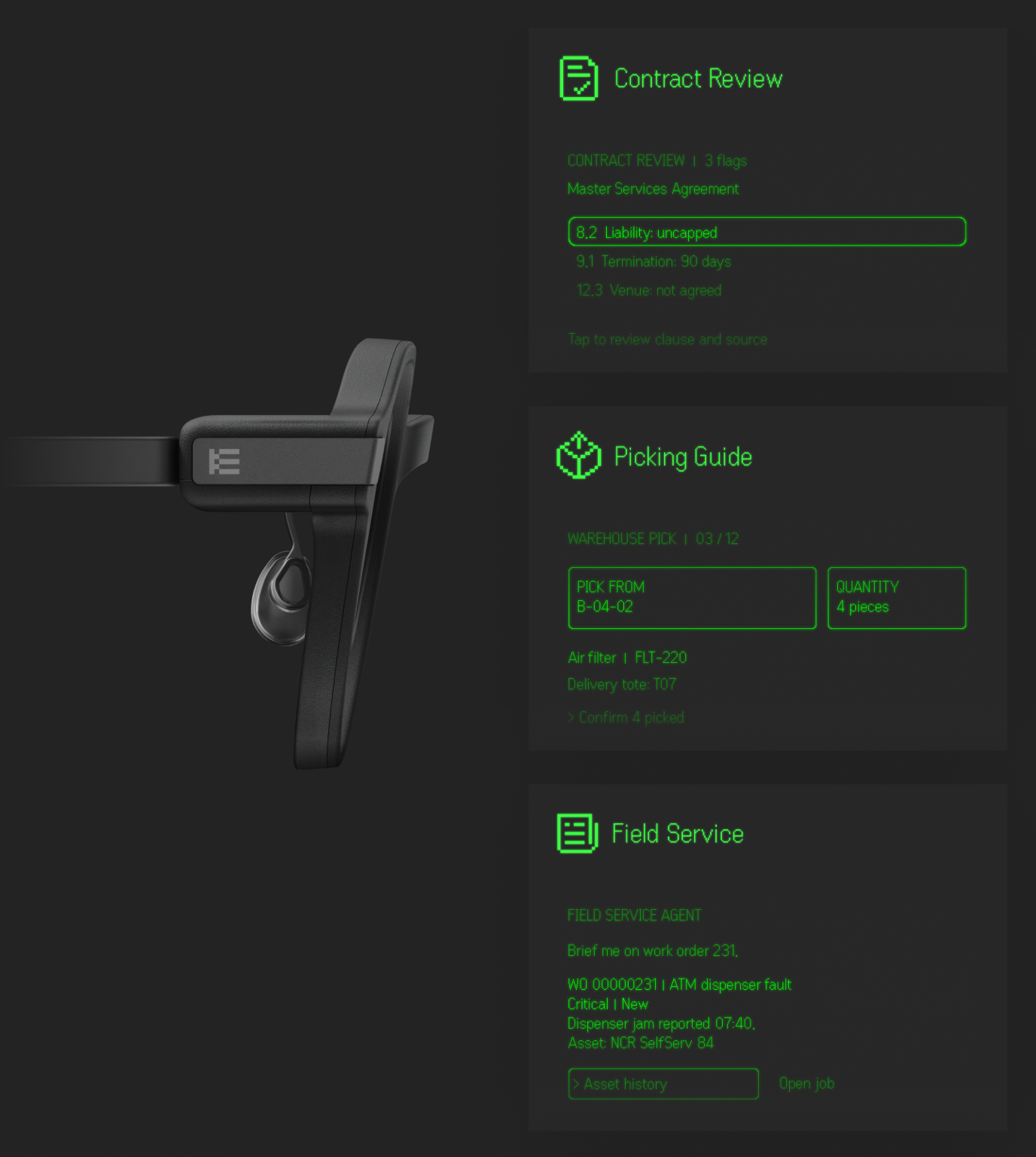
Build your own phone app and drive Even G2 glasses directly from it. Your app talks to your own backend.
Get the Flutter package, native Android and iOS libraries, integration guides and examples from our GitHub repository.
Each account gets 3 licenses at no cost for development and testing. Production use of those free licenses requires our written agreement. Contact sales for additional licenses and custom work.